Cue for Canvas
The Unofficial Menu Bar Companion for Canvas LMS
Your Canvas deadlines, one click away. Everything due, sorted by urgency, with reminders before it's too late.
Coming soon to the Mac App Store.

Features
Stop opening Canvas to check what's due.
Cue lives in your menu bar and keeps every course in one list. Click once and you know what's next.
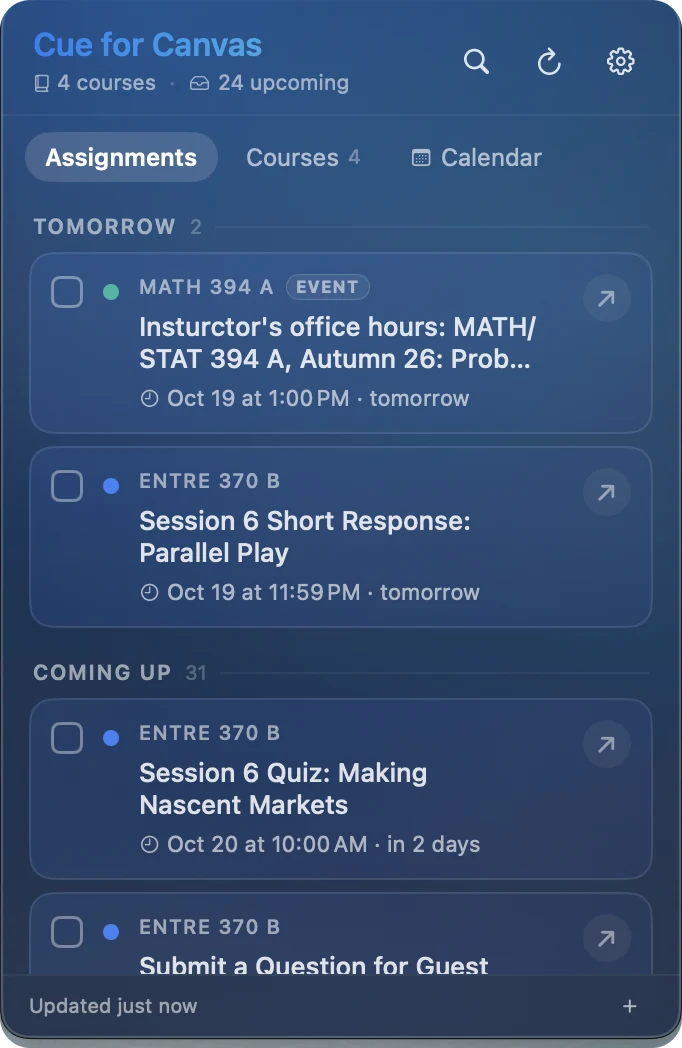
Everything due, sorted
Assignments, quizzes, and events from all your courses, grouped by today, tomorrow, and later.
Reminders that show up
24 hours, 2 hours, and 30 minutes before. macOS delivers them even if the app is closed.
A morning digest
One notification at the time you pick, with what's due today and what's coming.
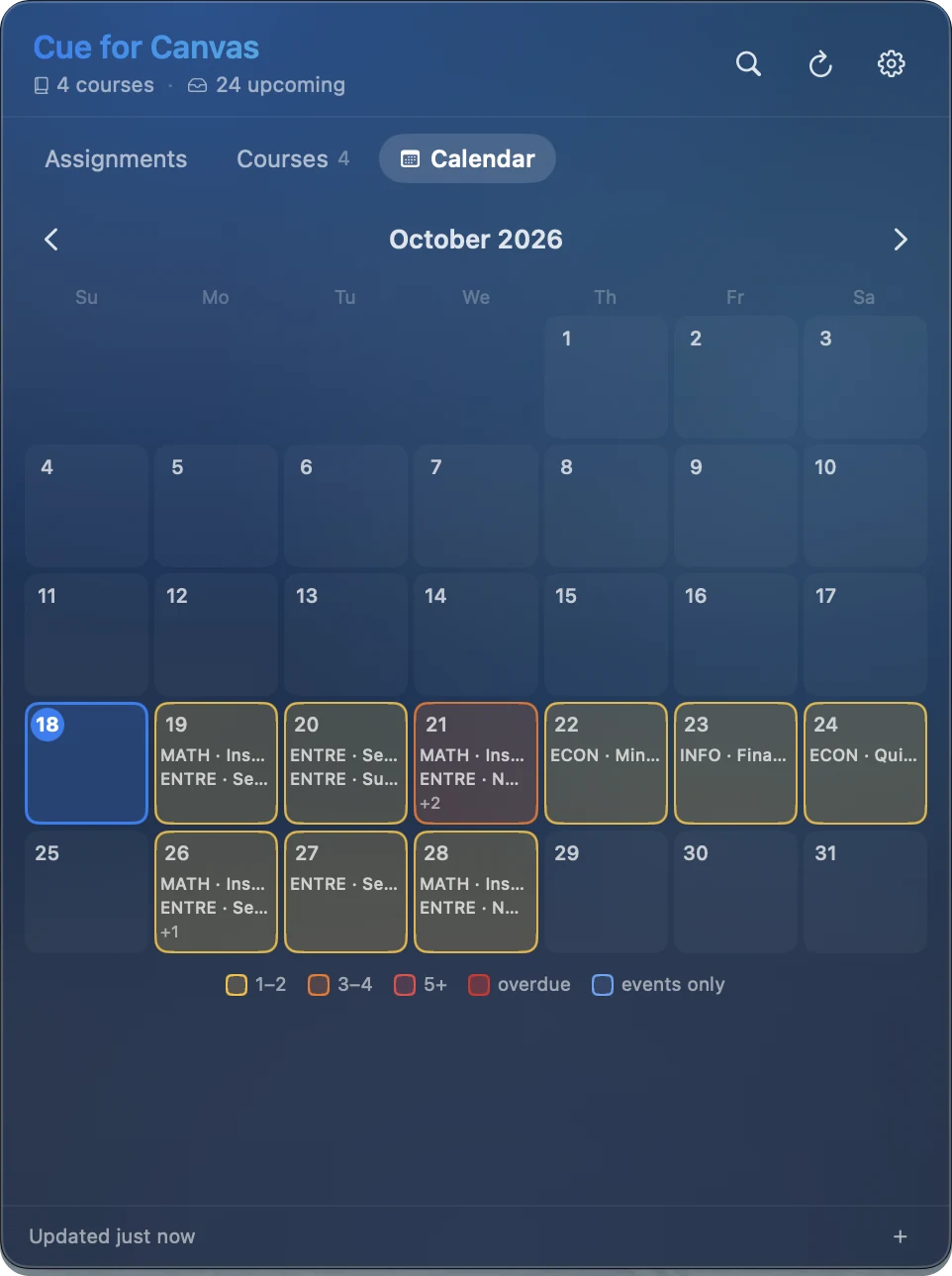
Calendar at a glance
See which days are heavy before they sneak up on you. Busy days light up.
Fast with a keyboard
⌘K to search everything. Check items off, snooze them, or jump straight to the assignment in Canvas.
Private by design
No account and no servers. Your feed link sits in your Mac's Keychain.
How it works
One link. That's the whole setup.
Cue reads the calendar feed Canvas already gives every student. No password, no school approval.
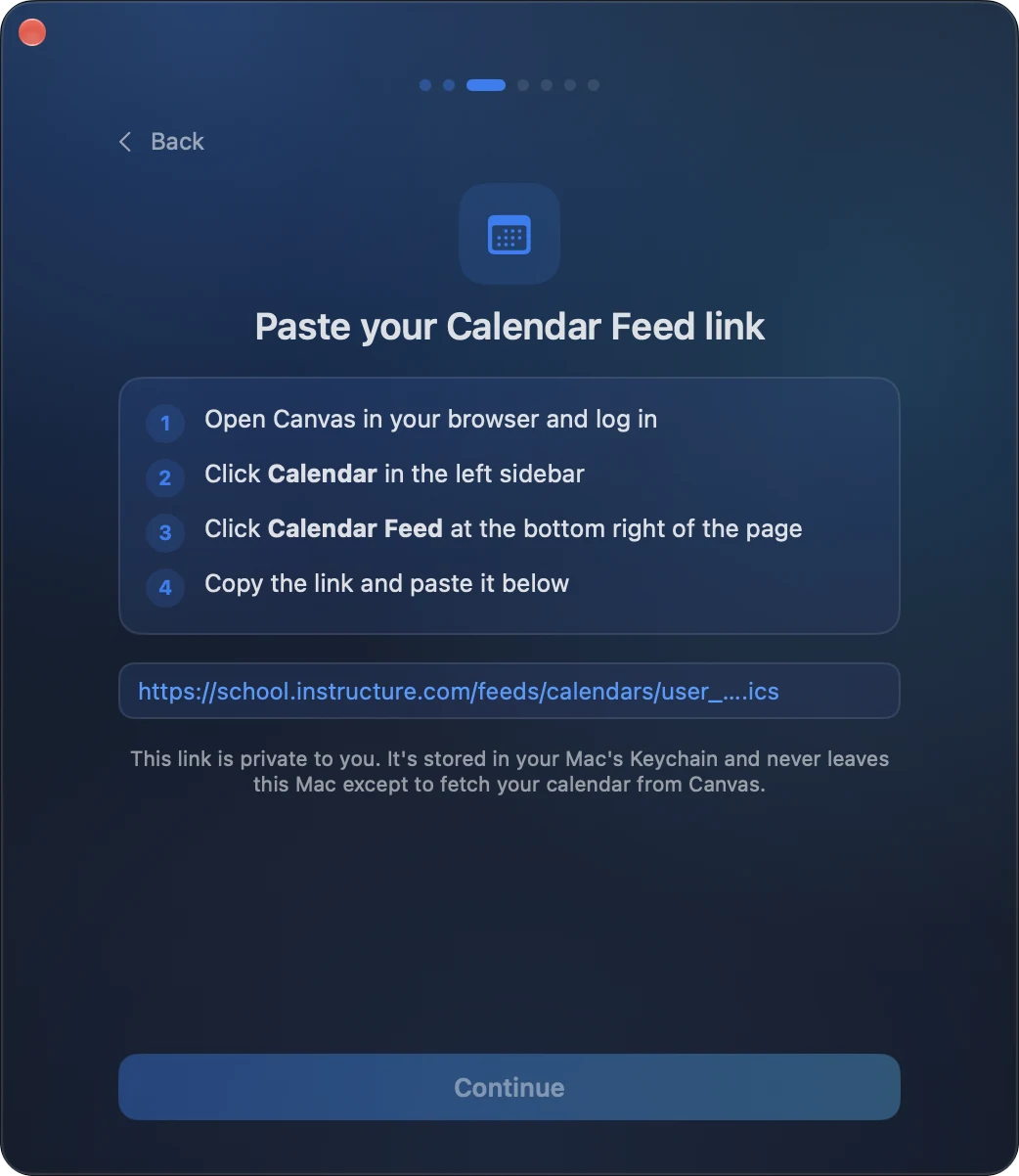
Copy your Calendar Feed link
In Canvas, open Calendar and click Calendar Feed at the bottom right.
Paste it into Cue
Pick your reminder times. Turn on the daily digest if you want it.
Click the menu bar icon
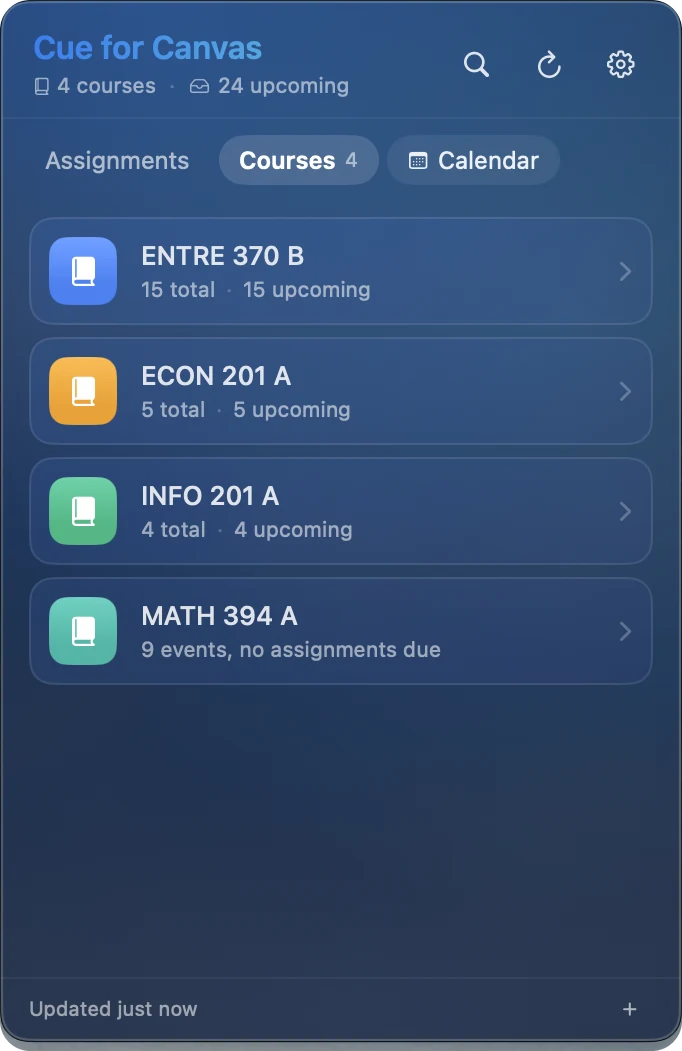
Everything due shows up, and it stays in sync on its own.
Privacy
Your schoolwork stays yours.
Cue talks to Canvas directly from your Mac. Nothing passes through us.
Read the privacy policy →- No account. Nothing to sign up for, nothing to log into.
- Stored in your Keychain. Your feed link never leaves your Mac except to reach Canvas.
- Anonymous usage only. Never titles, courses, or links. Turn it off anytime.
- No ads, no tracking. Ever.
FAQ
Questions
Is this made by Instructure?
No. Cue for Canvas is an independent app built by a student. It isn't affiliated with or endorsed by Instructure, the company behind Canvas.
Does it work with my school?
If your school uses Canvas, yes. Every Canvas account has a Calendar Feed link, and that's all Cue needs.
Do I need to give it my Canvas password?
No. Cue never asks for your password. It only reads your calendar feed.
Can it show whether I've submitted something?
Yes, if your school lets students create a Canvas API token. It's optional. Many schools don't allow it, and Cue works fine without it.
What do I need to run it?
A Mac running macOS 14 Sonoma or later.
When can I get it?
Cue is in beta now and coming to the Mac App Store soon. Email me to join the beta.